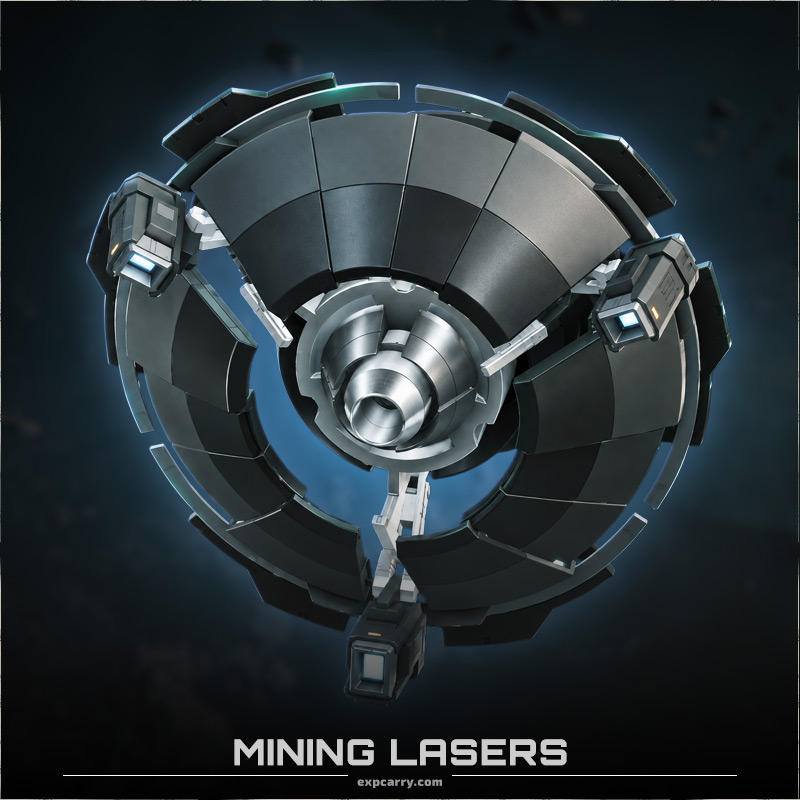
Buy Mining Lasers in Star Citizen and equip your mining ship or vehicle with the laser head that fits your preferred mining style. Choose the exact model and size for your platform, then receive the component through a coordinated in-game delivery.
Mining Lasers directly affect how you fracture and extract deposits. Different heads change laser power, deposit resistance, instability, optimal charge behavior, extraction performance and the number of Mining Module slots available. There is no single best laser for every rock or every miner, so the correct choice depends on your ship, target deposits and whether you mine solo or with a crew.
Star Citizen Mining Lasers
Current Star Citizen 4.10.1 data contains Mining Lasers in S0, S1 and S2. The most important ship-mining sizes are S1 and S2: the MISC Prospector uses an S1 mining head, while ARGO MOLE mining stations use S2 heads.
S0 Mining Lasers are used by smaller ground or vehicle-based mining systems. There are also special cases such as the Pitman Mining Laser, an S1 laser built specifically for the Drake Golem.
| Component Type | Mining Laser |
| Current Sizes | S0, S1 and S2 |
| Prospector | S1 Mining Laser |
| ARGO MOLE | S2 Mining Lasers |
| Drake Golem | Bespoke S1 Pitman Mining Laser |
| Important Stats | Laser Power, Resistance, Instability, Charge Window, Range and Module Slots |
| Crafting | Many current Mining Lasers have unlockable blueprints |
Choose the Right Mining Laser Size
The first compatibility check is the Mining Laser size. A laser head must match the mining mount on your ship or vehicle.
S0 Mining Lasers are intended for smaller mining platforms and ground-based equipment. Current families include Arbor MHV, S00 Hofstede, Lawson and S0 Helix.
S1 Mining Lasers are the main upgrade class for the MISC Prospector. Current options include Arbor MH1, Hofstede-S1, Klein-S1, Helix I, Lancet MH1 and Impact I.
S2 Mining Lasers are used for larger mining systems such as the ARGO MOLE. Current models include Arbor MH2, Hofstede-S2, Klein-S2, Helix II, Lancet MH2 and Impact II.
The Drake Golem is a special case. Its Pitman Mining Laser is an S1 component specifically designed for the Golem, so it should not be treated as a generic Prospector upgrade.
Arbor Mining Lasers
The Arbor line is designed as a balanced mining option. The Arbor MH1 is the standard S1 mining head installed on the MISC Prospector and combines relatively forgiving handling with reduced instability and a larger optimal charge window.
Current 4.10.1 data gives the Arbor MH1 one Mining Module slot, an optimal range of 60 m and a maximum range of 180 m. Its modifiers include reduced laser instability and reduced inert-material collection, making it a practical all-round option for solo mining.
The family also includes the S0 Arbor MHV and the larger S2 Arbor MH2.
Helix Mining Lasers
The Helix family is focused on raw mining power and reducing deposit resistance. That makes it attractive for difficult rocks, but the trade-off is a smaller optimal charge window and a greater need for precise laser control.
The Helix I S1 currently has two Mining Module slots and is optimized for close-range operation. The larger Helix II S2 increases the available mining power and provides three module slots for additional tuning.
Helix is therefore one of the stronger choices when cracking resistant deposits matters more than having the easiest possible charge window.
Lancet Mining Lasers
Greycat positions the Lancet as a support-oriented mining laser, particularly useful when several mining lasers are working on the same deposit.
The Lancet MH1 S1 reduces instability and inert-material collection but uses a significantly smaller optimal charge window. Its current modifiers also improve optimal charge rate, which rewards precise control.
The Lancet MH2 S2 provides the same general mining role for larger mining mounts and is particularly relevant to coordinated MOLE crews.
Hofstede Mining Lasers
The Hofstede family focuses on reducing a deposit's resistance while maintaining a comparatively manageable charge window. The trade-off is an increase in laser instability.
The Hofstede-S1 offers one module slot, while the Hofstede-S2 provides two. Current S2 data shows reduced resistance and reduced inert-material collection, making the line useful when you need more effective fracture performance without moving to the narrower charge behavior of a Helix.
Klein Mining Lasers
Shubin's Klein family is built around high mining power and substantial resistance reduction. It achieves this by accepting significantly higher laser instability.
The current Klein-S1 reduces deposit resistance by 45% but increases laser instability by 35%. It also has no Mining Module slot, so it offers less customization than several competing S1 heads.
Klein is therefore aimed more at miners comfortable managing an unstable fracture rather than players looking for the most forgiving laser.
Impact Mining Lasers
The Impact family takes the opposite approach. It reduces laser instability and increases the optimal charge window, making deposit control easier, but it increases deposit resistance and slows the optimal charge-window rate.
The Impact I S1 currently provides two module slots, while the Impact II S2 provides three. That makes Impact one of the more configurable choices for players who want to compensate for its drawbacks with Mining Modules.
Prospector Mining Lasers
The MISC Prospector uses an S1 Mining Laser and comes with the Arbor MH1 as its standard head. This gives Prospector owners several meaningful upgrade paths.
Choose Arbor for a balanced setup, Helix when additional fracture power and resistance reduction are important, Lancet for controlled or cooperative mining, Hofstede for resistance reduction with a more forgiving charge profile, Klein for aggressive high-power mining, or Impact when stability and customization are priorities.
MOLE Mining Lasers
The ARGO MOLE uses multiple independently operated mining stations and supports S2 Mining Lasers. Because several lasers can work together on the same deposit, the choice of mining head can also be coordinated between crew members.
A MOLE does not necessarily need identical mining heads on every station. For example, a crew can combine a support-oriented Lancet with higher-power heads to create a more specialized group setup.
Mining Laser Modules and Module Slots
Mining Module compatibility is another important factor when comparing heads. Current Mining Lasers can have zero, one, two or three module slots depending on the model.
For example, the Klein-S1 has no Mining Module slots, Arbor MH1 and Lancet MH1 each provide one, Helix I and Impact I provide two, while several S2 models provide additional slots.
Mining Modules are separate components and are not automatically included with the Mining Laser unless explicitly stated in the selected product option.
How Mining Laser Delivery Works
Select the exact Mining Laser model and quantity you need. We recommend providing your mining ship or vehicle model so the component size and any special compatibility restrictions can be checked before delivery.
Our team coordinates an available server and meeting point and transfers the selected Mining Laser through an appropriate in-game handoff method.
You remain on your own Star Citizen account during standard delivery. Your RSI password is not required.
Upgrade Your Mining Setup Without Searching Refinery Shops
Mining Laser availability is spread across refinery stores, manufacturer shops and other locations in Stanton, Pyro and Nyx. Some models are considerably easier to find than others, and several current heads also have blueprints that first need to be unlocked before they can be crafted.
Ordering the exact laser you need lets you move directly to fitting and testing your mining setup instead of travelling between multiple stores or unlocking the corresponding blueprint first.
- The selected Star Citizen Mining Laser model.
- The selected quantity of Mining Laser components.
- Manual player-to-player delivery in the current LIVE universe.
- Compatibility verification when you provide your mining ship or vehicle.
- No RSI account password required for standard delivery.
- An active Star Citizen account with access to the LIVE Persistent Universe.
- Your correct RSI Handle for delivery coordination.
- A compatible mining mount for the selected Mining Laser size.
- Your mining ship or vehicle model if you want compatibility checked before delivery.
- Availability to meet our team at the agreed in-game location.