




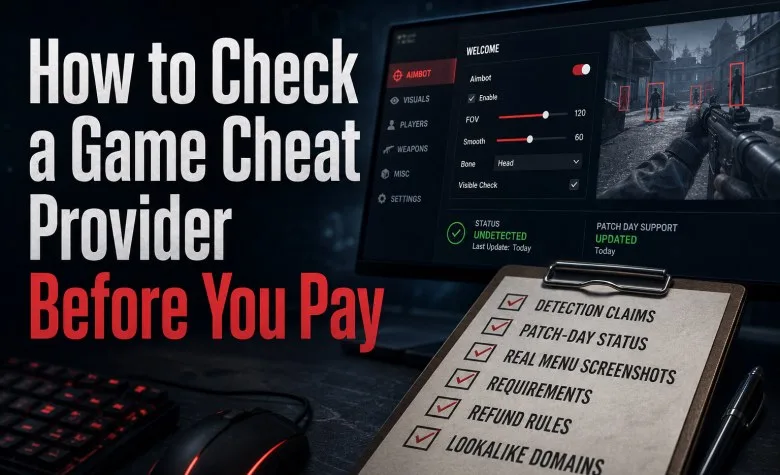
Short answer: a cheat provider worth paying shows you its current status, its real menu, its requirements and its refund rules before you buy. It also never promises that you can't be banned. If any of those is missing, keep your money.
Full disclosure: we run Nexus Cheats at NexusCheats.gg, a store that sells cheat licences for games like Marvel Rivals, Hunt: Showdown and ARC Raiders. So this checklist comes from the seller's side of the counter. It covers what we'd check ourselves, and the shortcuts scam and copycat sites take.
First, the risk. Cheating breaks the terms of service of every online game, and any cheat can get an account banned. Nothing below changes that. This guide only helps you avoid paying for a key that never works, or paying a site that disappears a week later.
The 10-minute checklist
| Check | Good sign | Red flag |
|---|---|---|
| Detection claims | "Undetected as of [date]", ban risk stated | "100% undetected", "ban-proof", "zero risk" |
| Status page | Statuses that change after game patches | Every product green forever |
| Screenshots | Menu shots with the provider's own name in the menu | No menu, or another site's watermark |
| Requirements | Windows version and BIOS settings listed before checkout | "Works on any PC" |
| Refund rules | A written policy that says what is and isn't refundable | No policy at all |
| Support | Answers a question before you buy | Only replies after payment |
| Domain | The same domain everywhere the provider is mentioned | A near-identical name with lower prices |
| Reviews | Independent reviews, bad ones included, with replies | Only five-star quotes on the store itself |
1. Read the detection claims first
No cheat stays undetected forever. Anti-cheat teams ship new detections, games patch their code, and a cheat that worked on Tuesday can be flagged on Thursday. A provider that writes "100% undetected" or "ban-proof" is guessing at best. That tells you how the rest of the shop is run.
A real answer looks like this: a status (Undetected, Updating, Down) plus the date the cheat was last tested on the current game build.
2. Watch what happens on patch day
Patch day is the best test of a provider. When a game updates, the memory layout a cheat reads from can change. The cheat may stop working, or it may become detectable.
A careful provider pauses sales, re-tests on the new build, and only then switches the product back to Undetected. Our status board uses five states: Undetected, Testing, Updating, Down and Unsupported. While a product is Updating, nobody can buy it. That costs us sales on patch days. Selling during an update would be worse, because a key sold mid-update might not work at all.
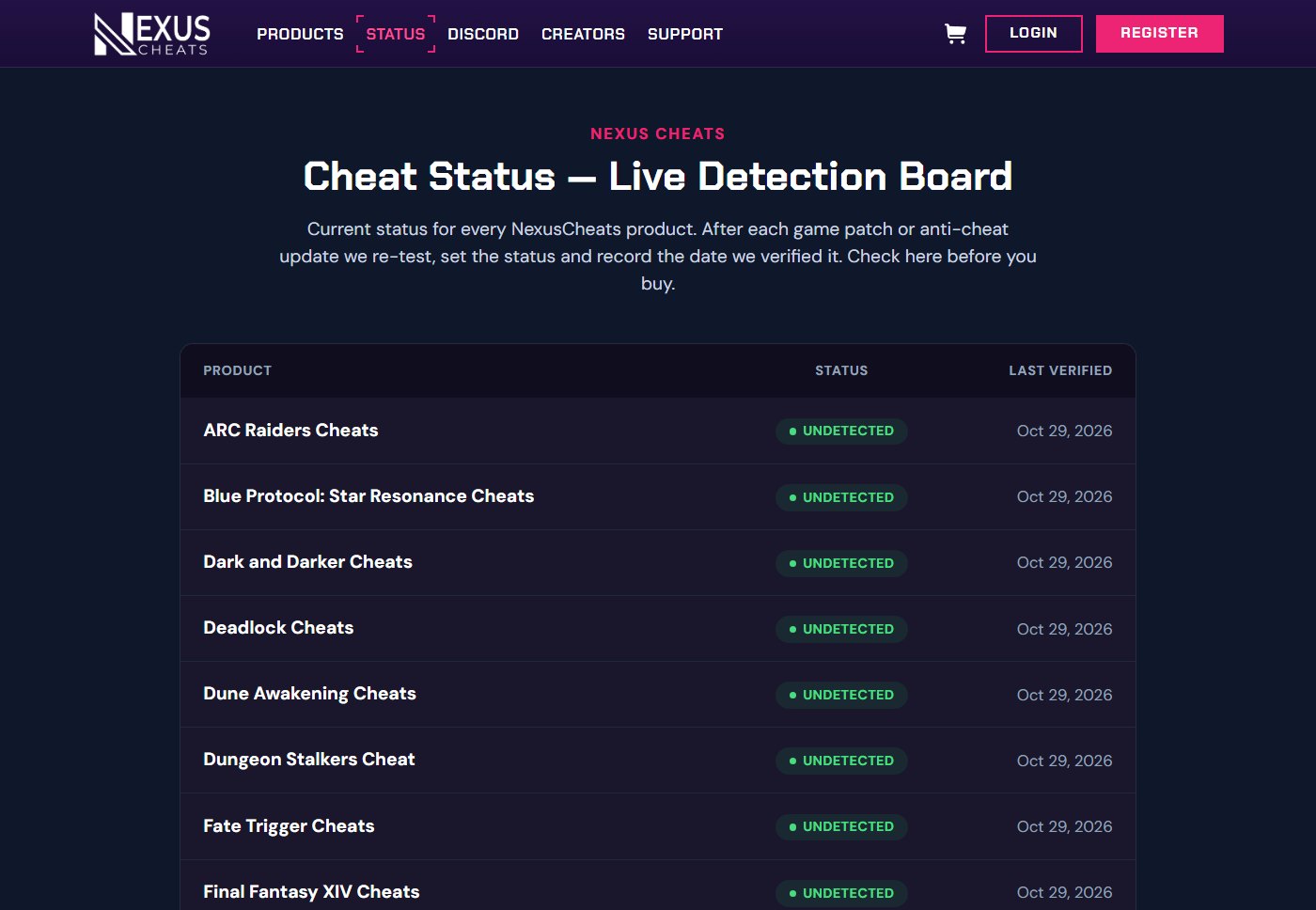
You can test any provider this way. Open its status page on the day one of its games gets a major patch. If every product is still green a few hours later, nobody re-tested anything.
3. Look for real menu screenshots
Screenshots of the actual product are harder to fake than a feature list. Check three things:
- The menu itself is visible, not only gameplay with a few boxes drawn on it.
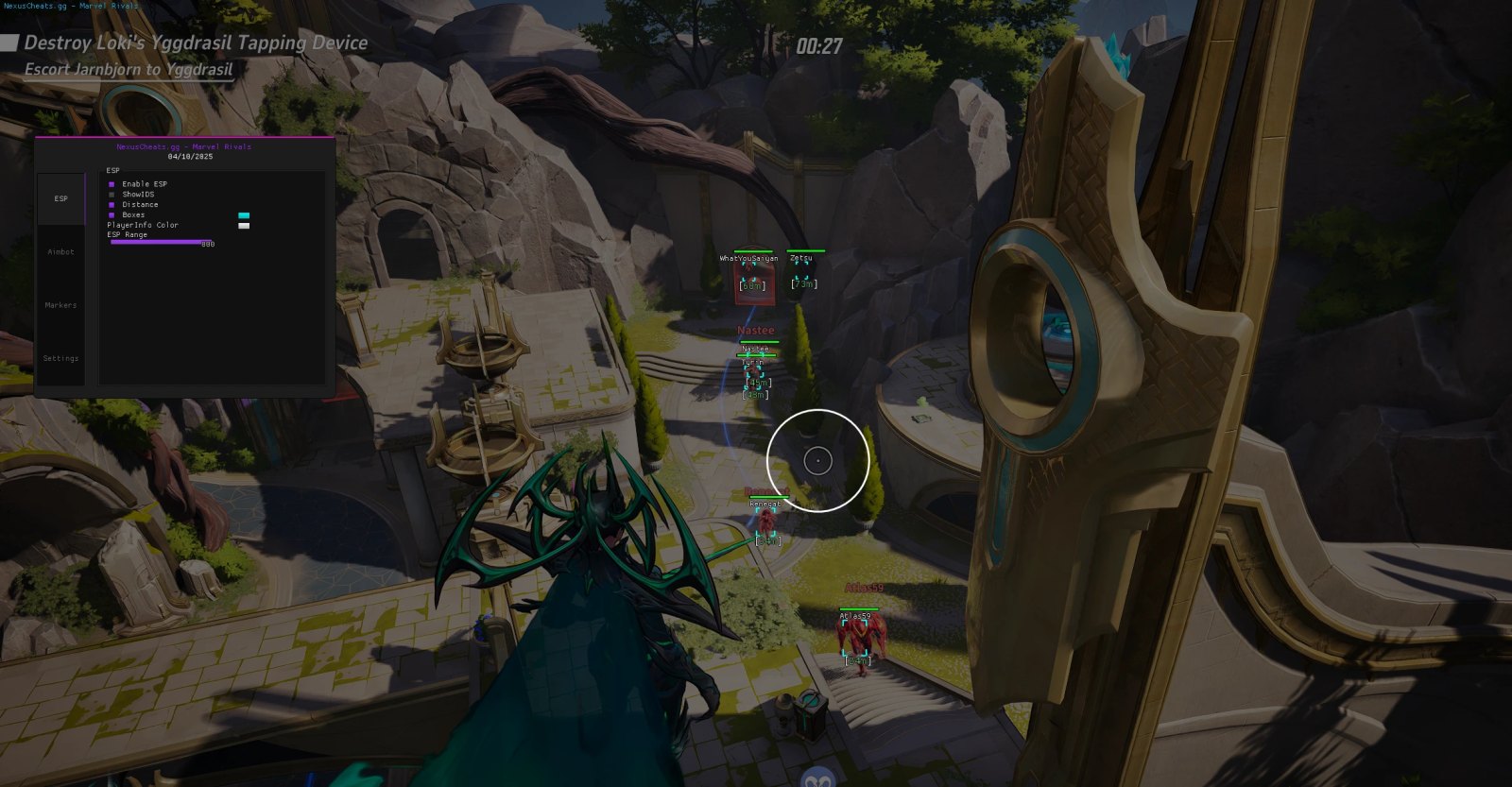
- The menu title or watermark carries the provider's own name. Ours reads "NexusCheats.gg - [game]".
- The options in the screenshot, such as the ESP and aimbot tabs, match the feature list on the product page.
A screenshot with a different site's name in it means the images came from someone else. A reverse image search (Google Lens or TinEye) usually finds the original in seconds.
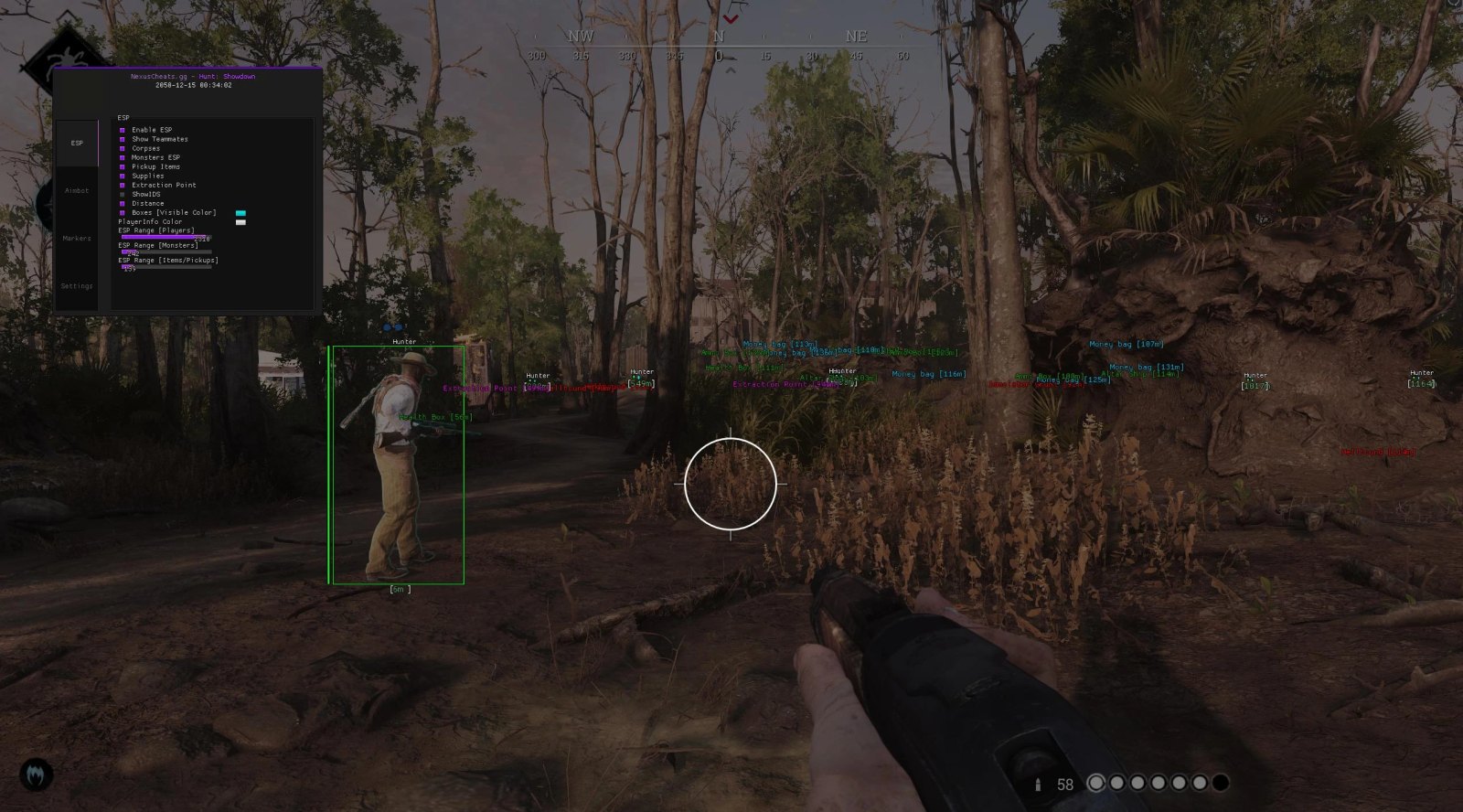
Our Hunt: Showdown menu. The ESP tab has separate toggles and ranges for players, monsters and pickups, so a nearby hunter gets a box while money bags, health boxes and extraction points get labels.
4. Requirements belong on the page, before checkout
Most current cheats need changes to your PC. That's normal. Hiding them until after payment isn't.
For our products the list is:
- Windows 10 or 11 (a few products don't support Windows Home)
- Virtualization enabled in the BIOS
- Secure Boot and Fast Boot off
- Memory Integrity (Core Isolation) off
- Third-party antivirus removed
- Other anti-cheat clients, such as FACEIT or Riot Vanguard, uninstalled
Secure Boot and Memory Integrity are Windows security features. Turning them off lowers your PC's protection, and you should know that before you pay, not at step four of a setup guide. If a provider lists no requirements, ask. If the answer is "it works on any PC", it doesn't.
5. Read the refund policy (it's short)
Digital keys are usually non-refundable once used. That's fair, since a used key can't be returned. What matters is that the policy exists in writing and says exactly what's covered.
Ours, as an example: no refund once a licence has been used. A refund only when your hardware is incompatible and our support team can't fix it. No refund for a ban, a detection, or downtime while a cheat is updating. That's strict, but you know where you stand before you pay.
Red flags are no policy at all, or vague promises like "full refund, no questions asked" that nobody can hold the seller to.
6. Ask support a question before you buy
Pick something specific, like "Does the Hunt: Showdown cheat run on Windows 11 Home?" Then note how long the answer takes, and whether it actually answers you.
A provider that only replies after you've paid has shown you its priorities. Ours runs live chat on the site, email at support@nexuscheats.gg and a Discord server for customers.
7. Check the exact domain
Copycats copy names more often than code. A letter changed, a different ending, a slightly lower price. Our own name has lookalikes too: NexusCheats.gg is our only website, and other sites with a similar "Nexus" name aren't connected to us.
Before you pay, search the provider's name and check that the domain matches the one in its forum threads and reviews. Then bookmark it. Never buy through a link someone sends you in a DM.
8. Read reviews outside the provider's own site
Testimonials on a store's homepage prove nothing. Look at Trustpilot and at forums where the provider has a long-running sales thread, such as elitepvpers, and read the bad reviews first. Every provider gets some.
Sort the complaints. Bans after a game patch are the normal risk of cheating. Keys that never arrived, and support that went silent, point to a scam. Then look at the replies. One calm answer with a fix says more than fifty five-star ratings.
9. Use an account you can afford to lose
This isn't a check on the provider, but it belongs on the list. A careful provider lowers the risk. It can't remove it. Plenty of players try a cheat on a second account first. If losing your main account would hurt, weigh that before you buy anything.
FAQ
Can a provider guarantee I won't be banned? No. A guarantee like that is a sales line, not a fact about the software.
Why do cheats go down after a game update? The game's code changes, so the provider updates the cheat and tests it against the new build. An honest provider marks it Updating during that time and stops selling it.
What's the difference between Undetected and Testing? Undetected means no known detection on the current build as of the date shown. Testing means a new build is being checked. Wait until it's back to Undetected before you buy.
Is a game hack different from a cheat? No. Players use both words for the same software, so every check above applies to a hack too.
Is a used key ever refundable? Rarely, and that's normal for digital licences. Read the policy before paying, not after.